Stories in Channels, View-Once Media and More

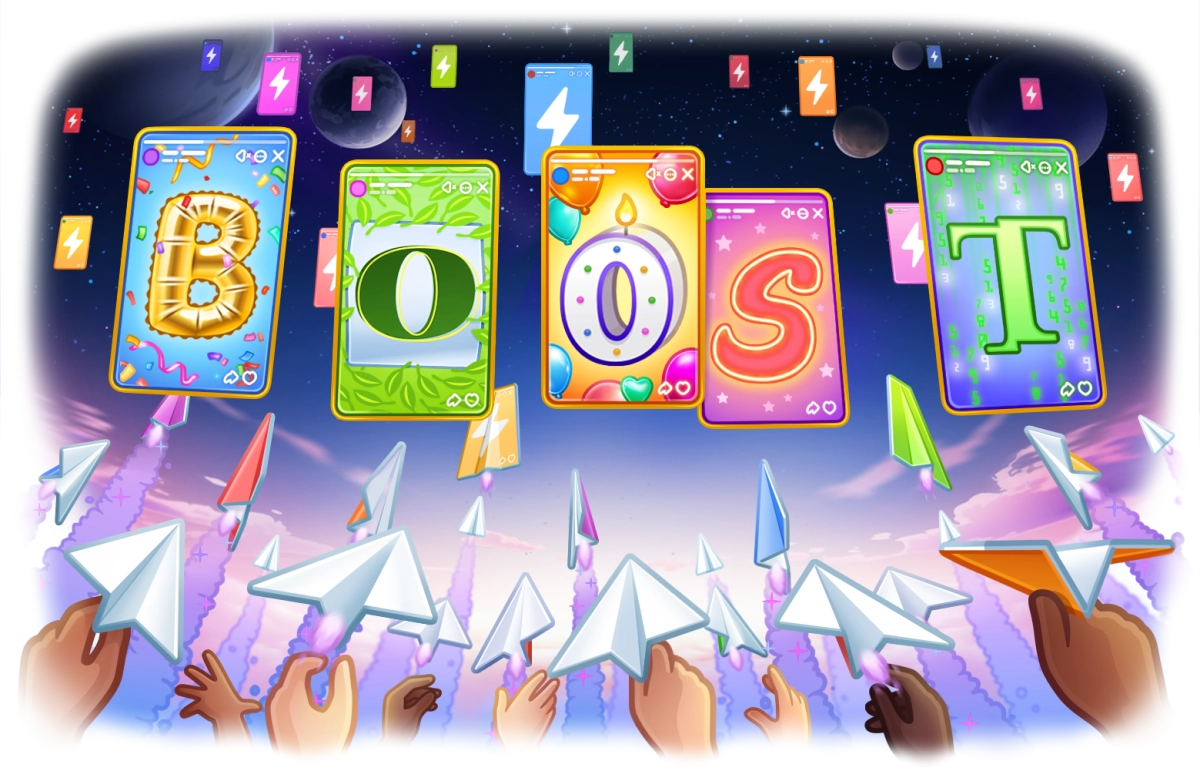
Last month we celebrated Telegram's 10th birthday, with Stories for cake. With this update, channels can start posting stories too, thanks to a new boost system. Stories now have reaction stickers and the option to add your own music. We've also added a View Once setting to self-destructing media, better login alerts, and several stories with cats wearing watermelons.
Stories for Channels
Telegram users can grant their favorite channels the ability to post stories by giving them boosts. Telegram Premium now includes 4 boosts that can be assigned to any channel.
Channels level up as they gain more boosts – and for each level, they can post 1 additional story per day to their subscribers' story feeds. Once more, Telegram users are in control: choosing which channel admins may spam them with food photos – and even the number of meals per day!
Boosts stay on the channel unless users decide to move them elsewhere, so those stories better be entertaining.
Channels can ask subscribers for boosts using a special link like t.me/durov?boost (a teaser-trailer won't hurt either). To get the boost link for your channel and see how many you need to level up, go to Channel Info > More > Statistics > Boosts. Getting to level 10 gives your channel +15 resistance to trolls and unlocks unique admin skins.
Once your channel unlocks stories, admins with the relevant rights who have a Telegram Premium subscription can post by tapping the on the Channel Info page.
Admins will also see a 'Post Story As' option when posting stories from their chat list. (So remind them to check where they're sending those noodles, maybe.)
Reaction Stickers in Stories
Both users and channels can add reaction stickers to their stories – letting viewers respond with even more emoji in just one tap. Stories posted by channels display reaction counters, showing how many people chose each emotion. (Yes, jellyfish and moose are emotions  )
)
To add a reaction sticker, tap the  icon in the sticker panel, then choose an emoji from the dozens of options in the window. Premium subscribers can use any of their custom emoji as well. Except the sloth. Nobody may use that one, you have been warned!
Everyone can add 1 reaction sticker to each story, while Premium users are able to add up to 5.
Your Music in Stories
Audio files on your device can be used in photo and video stories – allowing you to create content with custom soundtracks, narration and proper rickrolls.
From the sticker panel, tap 'Audio' and select a file, then adjust the track to select any section. In video stories you can keep the original sound as well as move your added audio track to any point – like a BADUMMM-TSSSS! in the middle, or a bit of outro music.
View-Once Media
Speaking of noodles, Telegram added self-destructing media way back in 2013. Now it is even easier to use, has a new look, and a new View Once setting.
In any 1-on-1 chat, tapping in the media editor lets you choose how long your photo or video will be visible after opening – from View Once to 30 seconds. View-Once media is permanently deleted from the chat when the recipient opens it.
Like for all self-destructing media, saving and taking screenshots will not work for view-once media. We'll also try to Neuralyze anyone with a photographic memory — unless they're wearing sunglasses.
New Login Alerts
Whenever someone logs in to your account, Telegram sends a notification to all your devices. To make this even more noticeable, new logins now display this alert at the top of your chat list. No. Pressure. At. All.
If you didn't log in on a new device, tap 'No, it's not me!' to instantly secure your account. Just make sure you don't jump to conclusions if it's Sunday morning.
You can review all devices that currently have access to your messages in Settings > Devices.
For an extra layer of protection, you can add a Two-Step Verification password in Settings > Privacy and Security > Two-Step Verification.
Never enter login codes or your password anywhere except when you are logging in to Telegram to access your chats!
And More
The developers also added dozens of bug fixes and optimizations. iOS users will notice that sending videos has improved – it is now faster and the progress bar is more accurate. Android users will notice increased performance when viewing spoiler animations, including view-once and hidden media. Blackberry and Windows Phone users will notice they have been extinct for the past decade.
And that's all for today, we'll be working on the next update while you're watching channel stories. Bon Appetit!
September 22, 2023
The Telegram Team
Other News

환영 메시지, 메시지 내 버튼 및 서명된 선물

리치 텍스트 에디터, 커뮤니티, 그룹 내 휘발성 메시지, 3억 5천만 개의 GIF

스마트워치 앱, 봇을 위한 리치 텍스트, 그룹을 위한 AI 가디언, 그리고 그 외에도 다양한 기능
